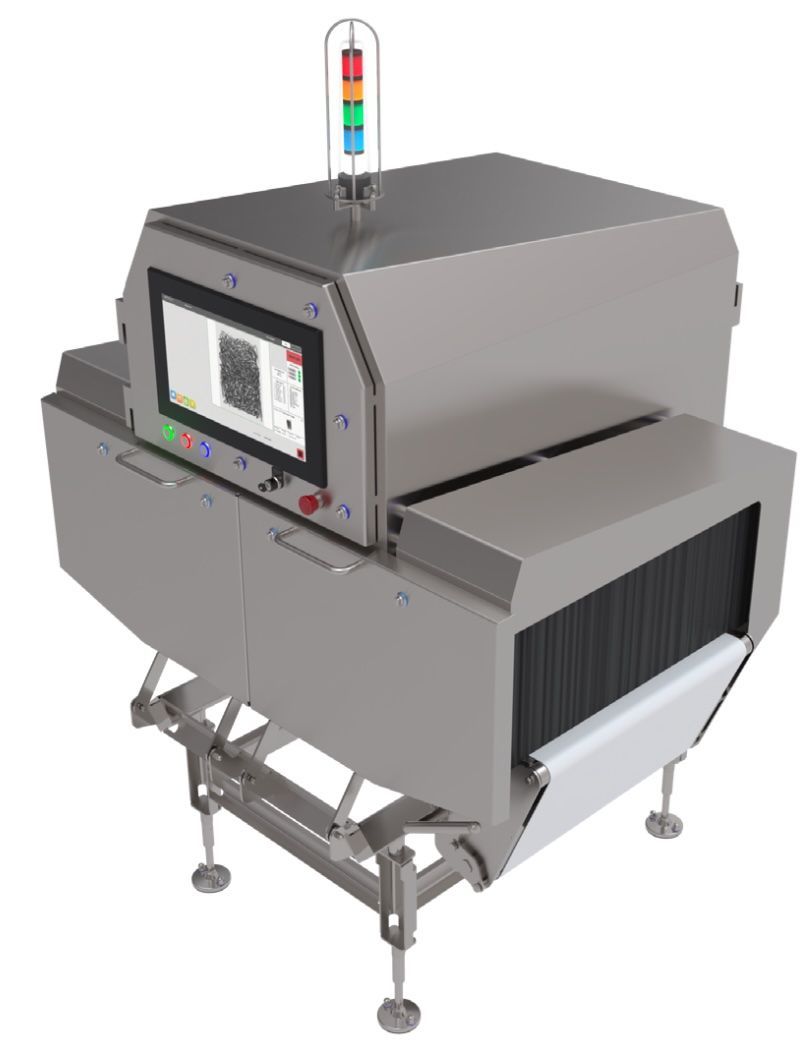
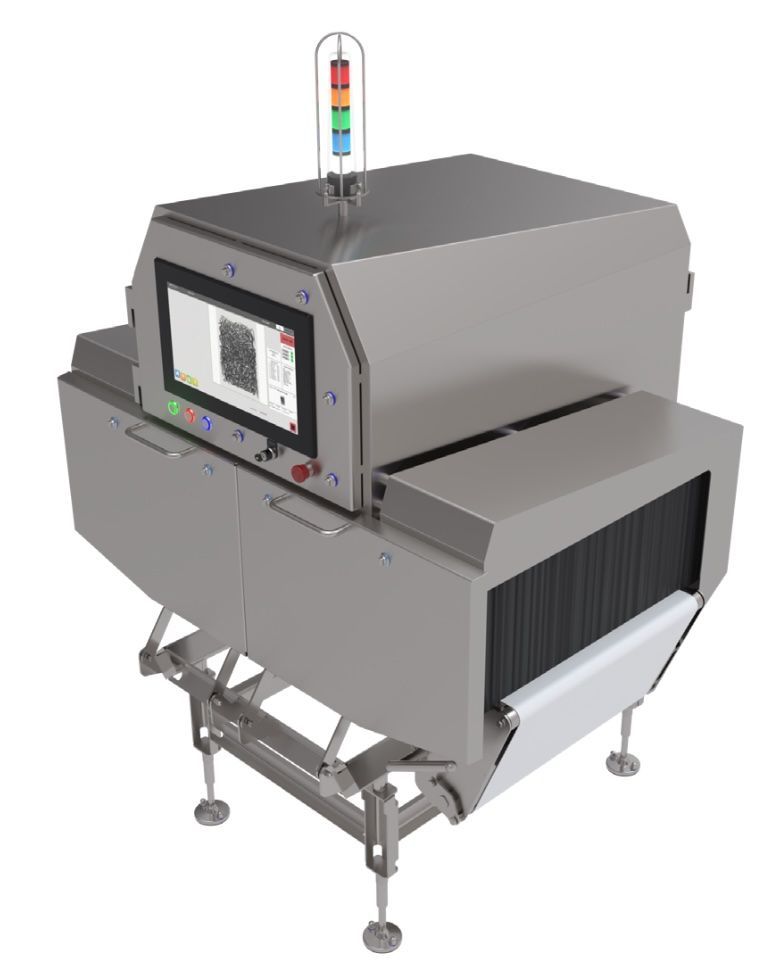
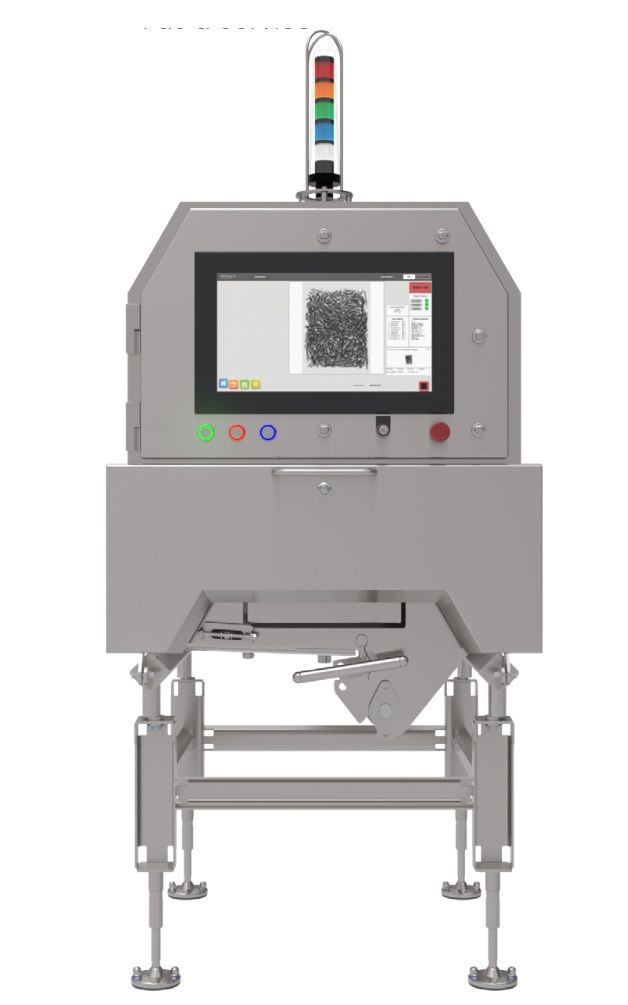
GreyscaleAI HRX systems are the physical inspection layer of the platform: high-resolution x-ray machines built for food production lines and connected to AI image analysis, GreyscaleAI Insights, monitoring, alerts, and support.
Start with the line question: which inspection opening, conveyor, environment, and application fit your product?
Food production linesAI-ready image captureInsights connected
HRX + AI + Insights
HRX system family
Start with model fit, then validate against the real application.
The HRX family gives food producers a set of inspection system configurations for different product sizes, line conditions, environments, and inspection goals. Treat the summaries below as starting points. Final selection should be reviewed against the actual product, package, target defects, line speed, space, and validation plan.
Inspection system
HRX660
Standard HRX inspection system for larger-format food applications where aperture size and high-resolution image capture matter.
Start with aperture, cabinet type, conveyor format, line speed, and product fit. Final system selection should still be reviewed against your actual product dimensions, package format, line speed, sanitation requirements, and inspection goals.
Published specs are from the January 2026 HRX brochures. Maximum line speed and detection performance are product-dependent and should be validated for the application.
Larger products and broader packages
Start with HRX660, HRX660AQ, or HRX508AQ when the application needs a wider inspection opening or a 60 x 30 in conveyor format.
Washdown environments
Use the AQ models when the application calls for a published IP69K cabinet configuration: HRX660AQ, HRX508AQ, or HRX380AQ.
Compact lines and smaller formats
Start with HRX380 or HRX380AQ for compact line-side inspection, smaller packages, cheese, packaged goods, and component verification workflows.
Inspection opening at a glance
The bars below compare published inspection opening width. Height still matters, so use the width x height label when reviewing fit.
HRX660639 x 254 mm
HRX660AQ596 x 225 mm
HRX508AQ452 x 175 mm
HRX380329 x 102 mm
HRX380AQ307 x 100 mm
A wider opening is not automatically the better choice. Product orientation, inspection goal, package height, beam geometry, sanitation requirements, and line integration all affect model selection.
Published model comparison
Use this table to narrow the conversation, then open the individual PDF for dimensional drawings and full system details.
Model
Best first look for
Inspection opening
Cabinet
Conveyor / belt
Max line speed
Notes
Spec sheet
HRX660
Large-format products and broader packages where a standard cabinet is acceptable.
639 x 254 mm
IP66
60 x 30 in conveyor
Up to 60 m/min
Largest published inspection opening in the current HRX set.
Start with the product and line. Then narrow the HRX configuration.
The comparison table shows the published differences between models. Use these seven inputs to define the physical fit before treating any brochure specification as a recommendation.
01–02
Product and package
01
Product size and orientation
Record the maximum product width, height, and length, plus the orientation that will enter the system. Use the largest expected format, not the average case.
02
Package type and materials
Identify whether the product is loose, bulk, bagged, boxed, tray-packed, wrapped, or another format. Note package features such as clips, foil, folds, and dense components for application review.
03–05
Inspection and throughput
03
Inspection goal
State the production question the system must answer: foreign material, bone, product or package quality, count or presence, weight intelligence, or a defined combination. Final fit should be based on a product-specific review, not a generic detection claim.
04
Line speed and product spacing
Provide normal and maximum line speed, throughput, product spacing, and whether products touch or overlap. Published maximum speed is a machine specification; usable inspection performance remains product- and application-dependent.
05
Aperture and conveyor fit
Confirm the required inspection opening, usable belt width, product transfer, conveyor height, and reject arrangement. Include clearance for normal product and package variation.
06–07
Installation and environment
06
Available space and integration
Measure the available footprint and identify infeed, outfeed, conveyor height, guarding, controls, reject confirmation, and access needed for cleaning and maintenance.
07
Washdown and operating environment
Document the sanitation method, washdown intensity, temperature, humidity, dust, and plant standards. Use these requirements to determine which cabinet and protection level should be reviewed.
Platform connected
The machine is where inspection starts. It is not where the value stops.
Each HRX system captures inspection images and operating context that can feed AI models, GreyscaleAI Insights, alerts, dashboards, event review, and support workflows. That connection is what turns hardware selection into an inspection intelligence decision.
01
Capture
HRX systems capture x-ray images at production line speed.
02
Analyze
AI models evaluate image-backed signals for application-specific inspection goals.
03
Review
GreyscaleAI Insights stores images, events, trends, alerts, and review context.
04
Support
Monitoring and managed support help keep the system useful after deployment.